Template for courses and workshops
Chi Zhang
2022-12-19
Source:../vignettes/template_course.Rmd
template_course.RmdThis template make it quick and easy to create a Quarto website for your courses and workshops.
By default, sidebar navigation is used here. This is
particularly handy when the courses are organized by week or topics. If
the user prefers, it is also convenient to edit _quarto.yml
to switch to top navigation.
website:
  title: "Workshop Title"
  navbar:
    left:
      - href: index.qmd
        text: Home
      - href: about.qmd
        text: About
    right:
      - icon: github
        href: https://github.com
  sidebar:
    style: "docked"
    search: true
    contents:
      - part_1_prep.qmd
      - part_2_eda.qmd
  page-navigation: true
Website structure
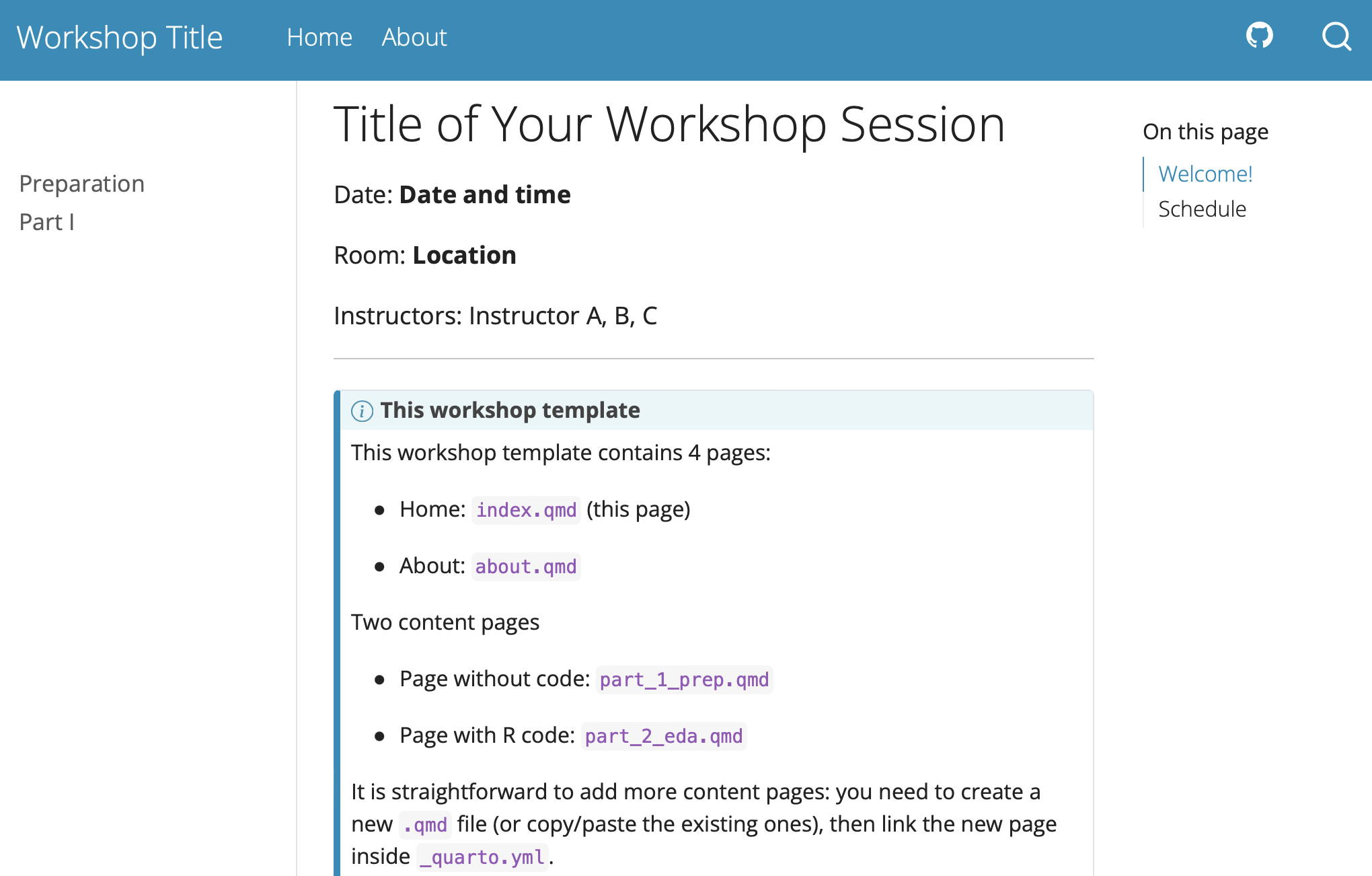
This template has provided some useful content for users to get started:
Home page with basic information for the course/workshop, along with a tabular schedule
One example page without executable code
One example page with executable code (where a folder with example dataset is provided for illustration)
About page
Authoring and computation
Authoring with qmd is straightforward, especially for
users with R markdown experience. To learn more about
authoring and computation you can check here.